Use the Fullscreen layout when acquiring images when you need as much space as possible to display the image.
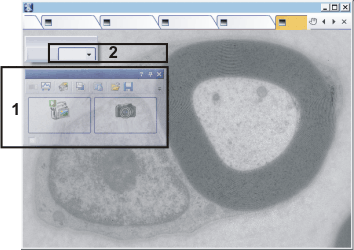
In the Fullscreen layout, only the Camera Control (1) tool window is displayed. The tool window is much smaller so that it only takes up a little space. In addition, the tool window is transparent.
Click the Layout button (2) to switch to a different layout.
See also
00285