The View > Dark Application Skin command switches the appearance of your software user interface from light to dark. Use the dark application skin, for example, whenever you want to darken the room.
Use the View > Dark Application Skin command again to return to the light user interface.
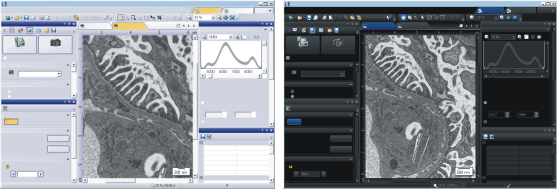
The illustration shows on the left the light default user interface of your software. On the right, the software is shown after switching to the dark application skin.
4031 12032012